Three photos, four moments
Follow the dancer, the selfie character and the car-exit reveal. The selfie character returns for the ending.
See the photos and full result ↗PHOTO TO VIDEO
Turn three photos into a gas station dance AI video. Choose the dancer, the selfie character and the person stepping out of the car.
Private uploads · Delete anytime
Gas Station Dance
One person per photo. The selfie character also returns at the end.
JPG, PNG or WebP · Up to 8 MB each · Minimum 320 × 320 px
Add a photo for each role (0/3)
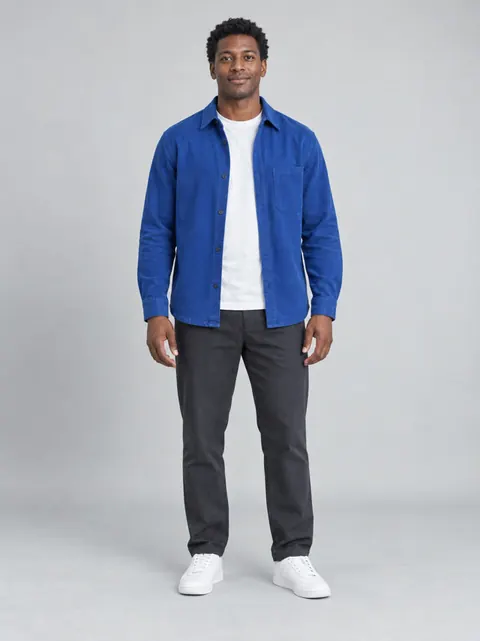 Dancer
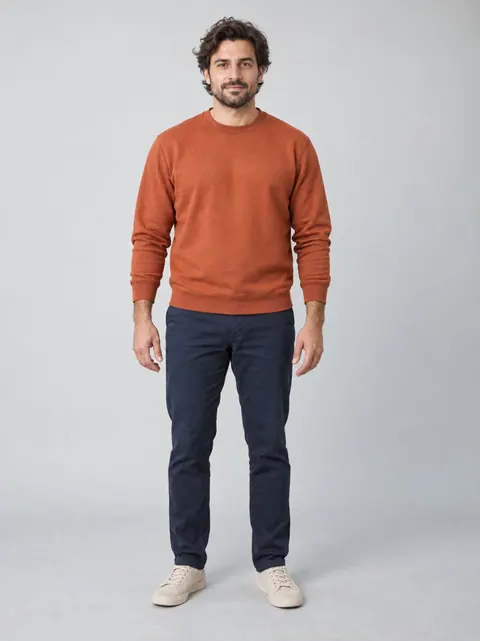 Selfie
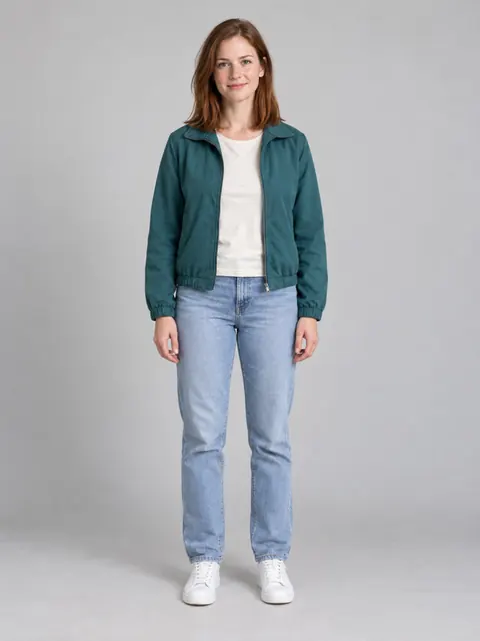 Car exit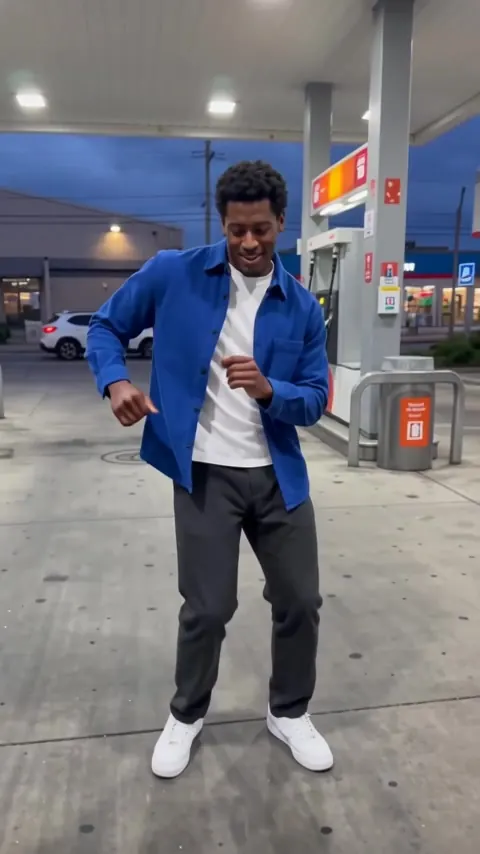
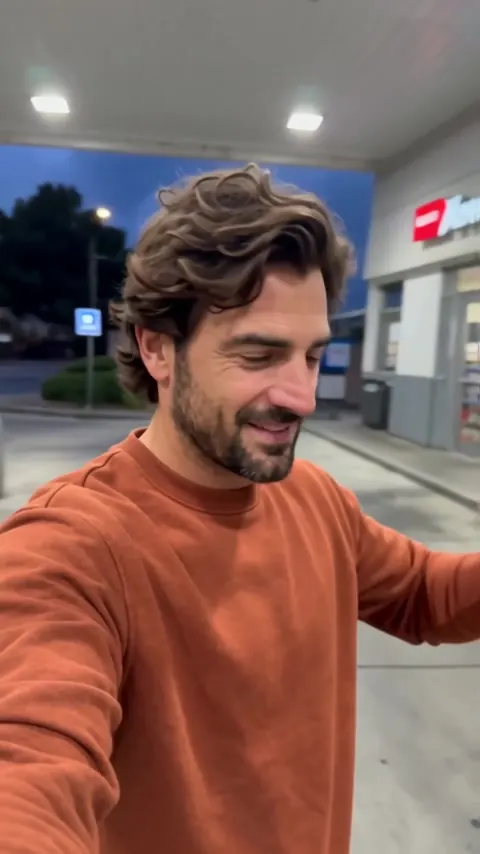
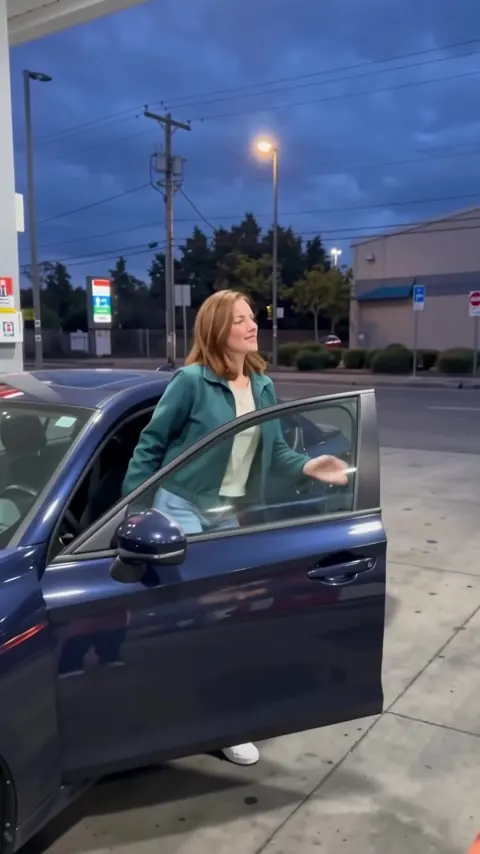
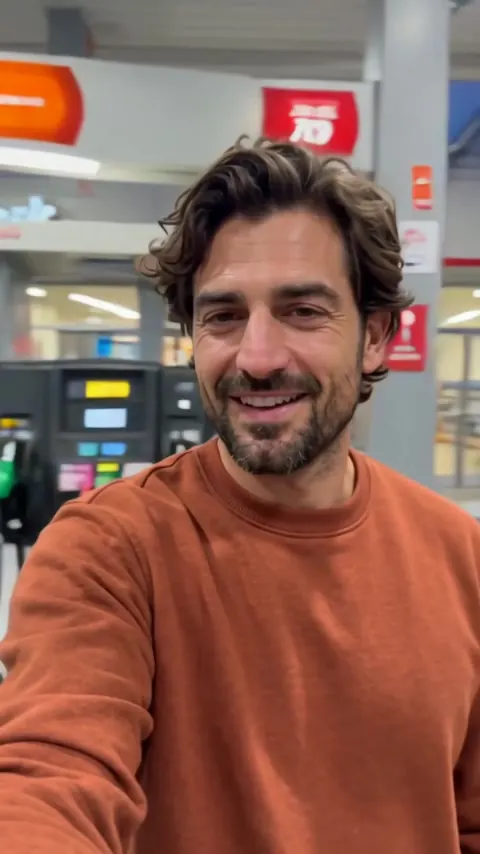
WATCH THE SCENE
A dance beside the pumps, a turn of the camera and a car-door reveal. Watch the sequence, then choose who plays each part.
Follow the dancer, the selfie character and the car-exit reveal. The selfie character returns for the ending.
See the photos and full result ↗Watch the supplied reference clip to understand the scene order and camera turns.
Reference video · Watch the scene and camera movement.
Use one well-lit adult per image, with the face unobstructed. No gas station or car photo is needed. Photo 2 is the selfie character in both the middle and final shots.
Choose a sharp solo photo with a visible face and outfit. A wider crop helps describe the dancer’s clothing.
Input photo → Generated scene
Use a clear portrait with the face unobstructed. This person appears in the middle and returns for the final selfie.
Input photo → Generated scene
Pick one person with a visible face and outfit. You do not need a car or gas station in the photo.
Input photo → Generated scene
Give your trio a part: the friend who starts the dance, the one behind the selfie and the surprise arrival from the car. For a birthday video, add a personal caption after downloading. Use photos with everyone’s permission.
Read the full guide ↗GasStationDance.video is a dedicated Gas Station Dance AI video generator. It uses three role photos to generate a new vertical scene with generated audio, not a precise character replacement in the original clip.
How it works
Use a sharp, well-lit photo of one adult for each role. Face the camera and avoid covered faces or group shots.
Sign in, choose a credit pack and start your video. Follow its status right here.
Follow the status in My videos. Download the finished MP4 within 24 hours of order creation.
Pricing
100 credits per video. Choose a one-time pack. No subscription.
$8.90 USD
100 credits / 1 video
No recurring billing$29.90 USD
400 credits / 4 videos
No recurring billing$69.90 USD
1000 credits / 10 videos
No recurring billingAdd one photo for each role, choose a resolution and select Generate video. Sign in to save your order and return to it in My videos.
The photos guide the cast, but exact likeness is not guaranteed. Faces, hands, clothing and movement may change. Compare the example photos with the full video before choosing your cast.
Your photos and videos are private and accessible through your account. File access expires 24 hours after order creation, not after generation finishes. Download your video before then, or delete your files sooner from My videos.
Credits used for failed videos are returned automatically. If a video remains unfinished, select Get help in My videos.
Use three photos: one for the dancer, one for the selfie character and one for the person stepping out of the car. The selfie character returns at the end.
The demonstrated result includes model-generated audio. The original trending song is not guaranteed. If you want a specific track, choose it separately in the app where you post, where available.
You can watch the example and read the guide for free. Generating your own video uses paid credits. Review the current pack and credit cost before submitting.
No prompt or CapCut template is required in this workflow. Assign your photos to the three roles. You can use a separate editor afterward for captions, a specific song or other changes.
The meme shows three people: a dancer, a person filming and someone getting out of a car. AI remakes replace the cast or recreate the scene. This generator uses three photos to make a new scene; it does not precisely replace people in the original clip.
Yes. With their permission, choose one adult friend for each role. Download the video and add a birthday caption in your editor. Watch all four scenes before sharing it in a group chat or posting it.