Gas Station Dance AI Video Example: Photos, Roles and Full Result
Watch a complete 15-second reference-guided Gas Station Dance video with music, compare its three input portraits and choose your own role. Includes the earlier 20-second test.
Last updated: 2026-11-09
One-photo walkthrough: play the dancer
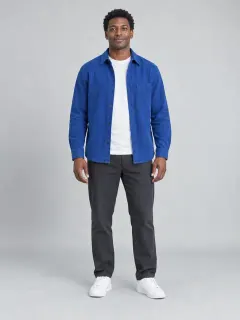
- Open the GasStationDance.video studio and add a clear solo portrait to Dancer.
- Leave Selfie and Car exit empty. The reference performers stay in those roles, and the sequence still includes all three scenes.
- Sign in, choose a resolution and review the one-time price for one 15-second video with music.
The full video below shows how this dancer portrait appears in motion. For that recorded run, we also supplied portraits for the selfie and car-exit roles.
Three photos → a complete 15-second Gas Station Dance video
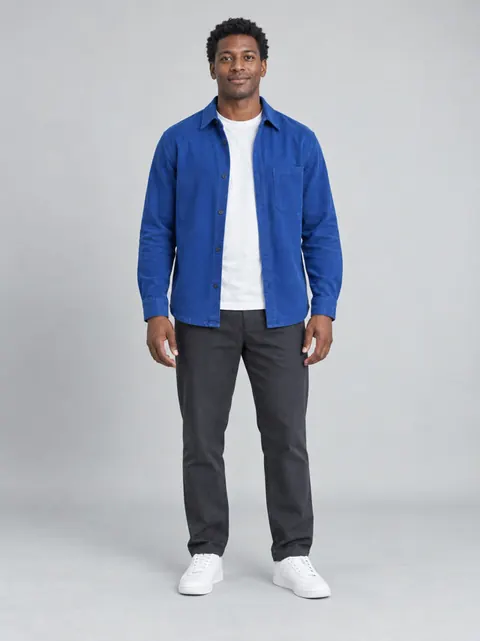
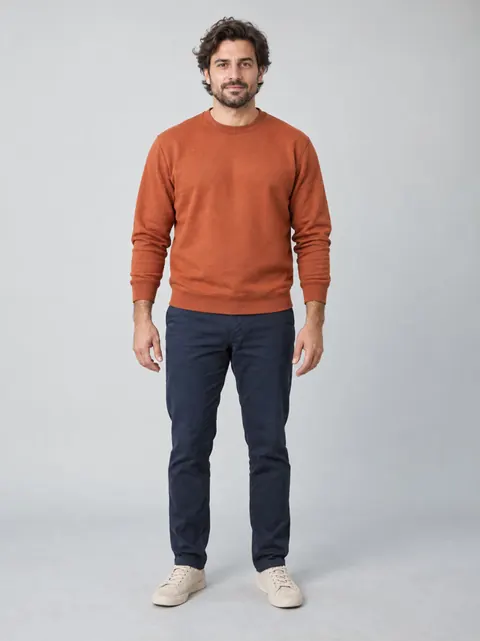
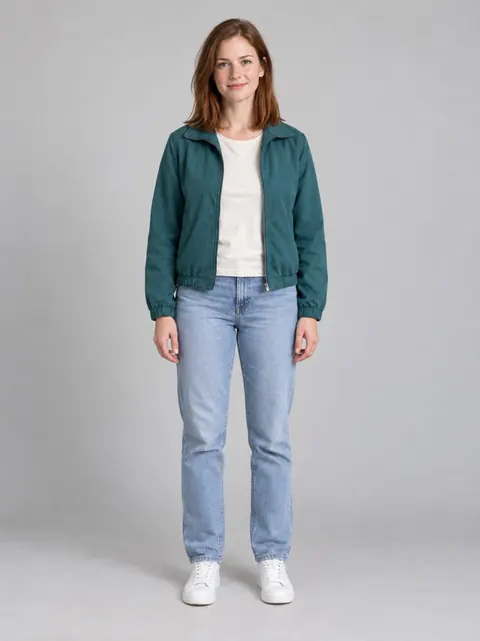
This real reference-guided generation was tested on October 8, 2026 with the three fictional adult portraits below. Watch the dancer, selfie and car-exit roles in the complete 15.02-second, 480 × 854 output, with its generated soundtrack and no replacement music. Compare the photos with the video to see how each person appears.

Frame from the same 480p trial

Frame from the same 480p trial

Frame from the same 480p trial
Sample settings and test details
Sample details: three uploaded portraits, a fixed video reference and 480p output. This October 8 trial used an earlier reference-following prompt; the current instructions have since been refined. It is a complete single result, rather than a success-rate study or a one-photo/HD demonstration. The October 5 example below records the earlier 20-second workflow.
Questions before making your Gas Station Dance video
Can I make the Gas Station Dance video with only one photo?
Yes. Upload one clear solo photo to the dancer, selfie or car-exit role. Leave the other roles empty to use default characters. You do not need to write a prompt or film a dance.
Can three friends choose who dances, takes the selfie and gets out of the car?
Yes. Assign a separate solo photo to each role: dancer first, selfie second, car-exit third. A group photo is not automatically split into three people. Review the previews before generating.
Buy one video
Each purchase covers one 15-second video at your selected resolution. One-time payment; no subscription.
- $9.90 USD total · one 15-second 480p video.
- $12.90 USD total · one 15-second 720p video.
- $16.90 USD total · one 15-second 1080p video.
Existing credits remain available and are used first when sufficient. Otherwise, buy one video at your chosen resolution. Pricing
Historical example: the earlier 20-second workflow (October 5)
We used three fictional adult portraits to generate the video below. The file is 20.04 seconds long at 480 × 854 pixels, with generated audio. No original dance clip was supplied for this test. This is a new scene, not the source reel with three faces replaced.
The player contains the full output. We have not replaced its audio, sped it up, or cut together the best moments from several attempts.
The inputs: three portraits, three jobs
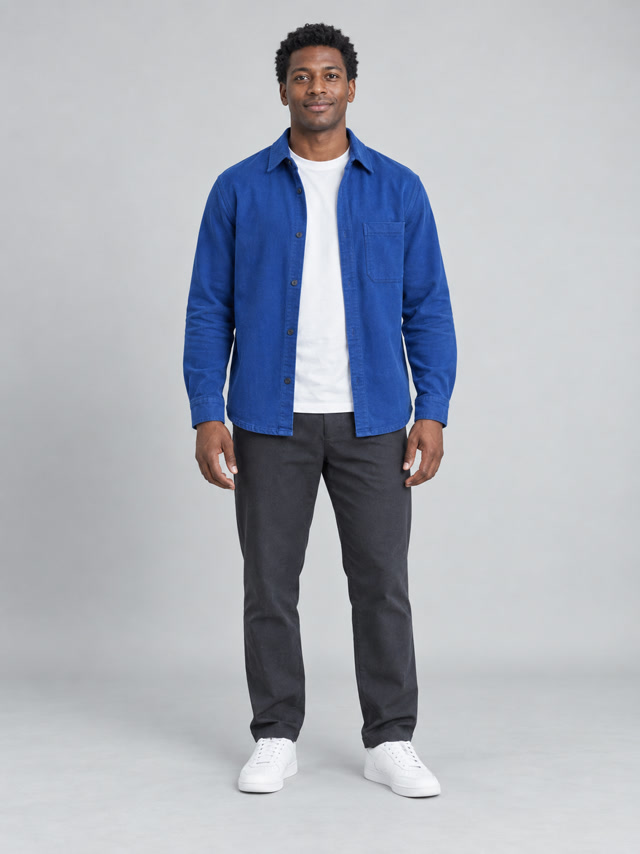
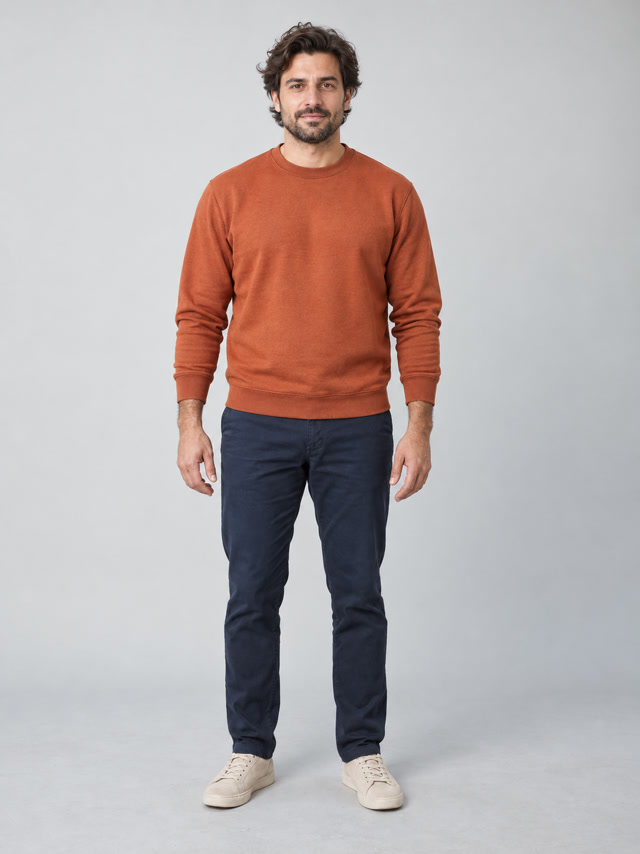
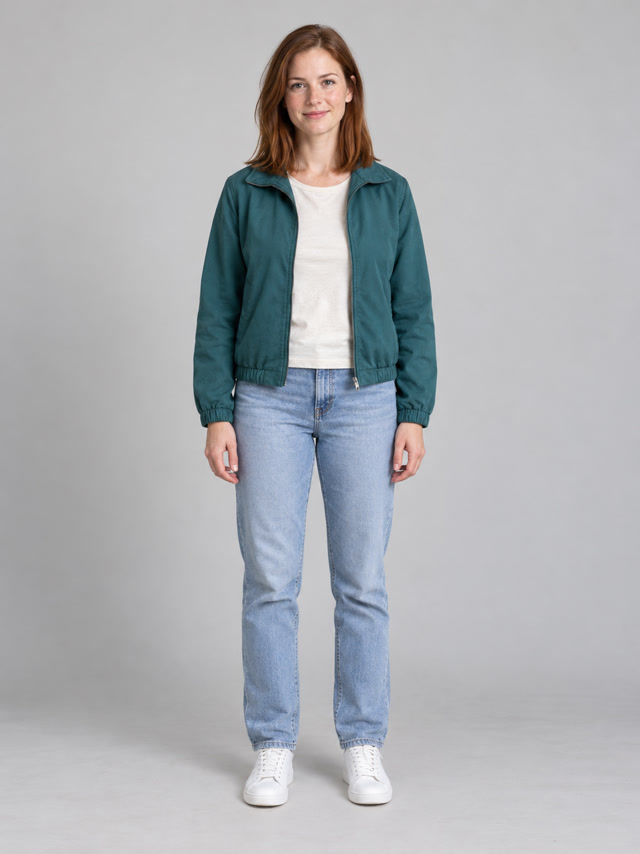
Left to right: dancer, selfie character, car-exit character. These are the actual test inputs, not customer photos.
Follow the blue overshirt for the dancer, the rust-colored shirt for the selfie character, and the teal jacket for the car-exit character.
What happens in the output?
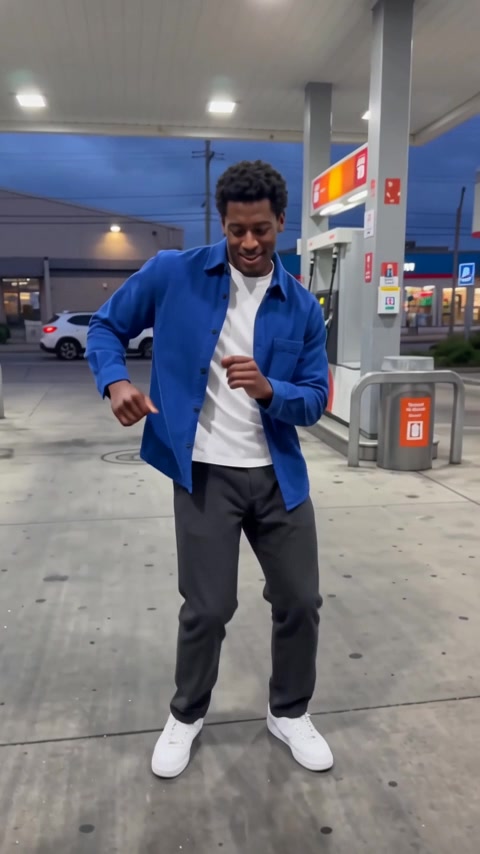
1. Opening dancer
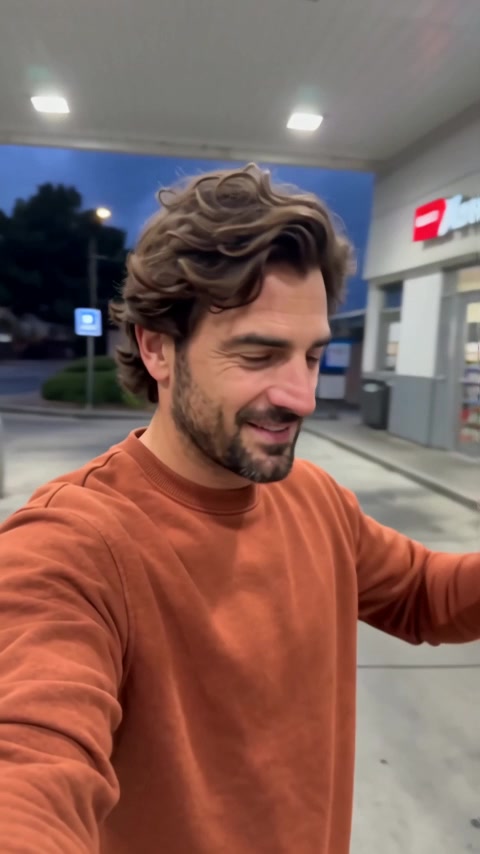
2. Camera turns to the selfie
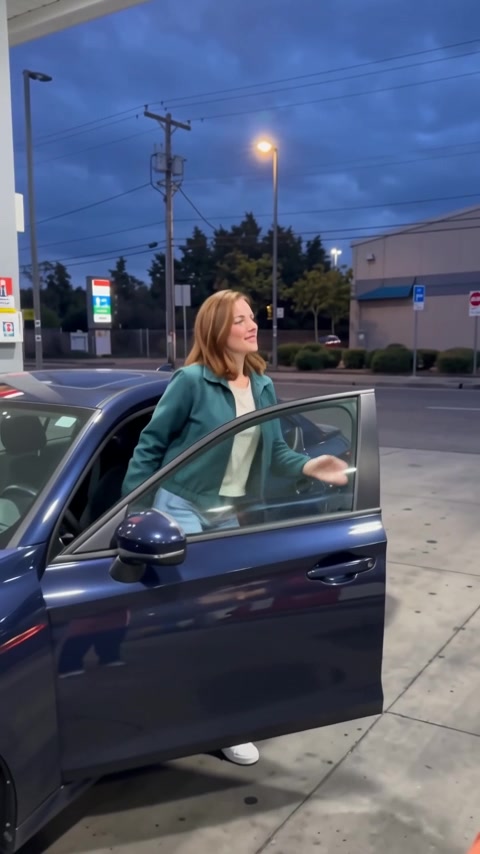
3. Car-door reveal

4. Return to the selfie
Frames from the same output file. Watch the player to judge the transitions and motion.
The sequence includes the intended four parts. The blue overshirt, rust-colored shirt and teal jacket remain useful visual cues across these scenes. The second character returns in the final selfie.
Still frames do not settle every quality question. In the car-exit frame, for example, one moving hand is blurred. To decide whether that moment looks natural enough, watch the movement rather than judging only this screenshot. Face resemblance is also a viewer judgment, not a measured identity score in this test.
How we made and checked it
The real generation was tested locally on October 5, 2026 using Wan, model ID wan/3-0-video, through Kie. The request asked for 20 seconds, 480p and audio, using the three assigned portraits. We submitted one generation, not a batch from which this was selected.
After generation, we played the saved MP4 in a browser, checked its audio and downloaded it through the result interface.
Technical checks and test environment
The file contains H.264 video at 30 fps and AAC stereo audio at 44.1 kHz. The audio decoded successfully. The generation was real; checkout used Stripe test mode. This test did not verify production payment.
What to expect from this example
This earlier 480p test produced all four scenes and a generated soundtrack. For today’s reference-guided flow, see the 15-second example above; the current generator also offers 720p and 1080p. Compare the input portraits and complete video to choose the cast for your own clip.
For your own attempt, use the step-by-step guide. For input choices, see the role-photo examples. Questions about this test or a result you received? Contact us.